

A service area page is a page on your site that pairs one service with one place you actually work, such as “kitchen remodeling in Hoboken” or “brand design in Brooklyn.” Done well, it helps you show up for local-intent searches in cities where you have no office. Done badly, it is a template with the city name swapped, and it adds nothing. This guide covers what to put on these pages, how many to build, how they fit with your Google Business Profile, and the mistakes that sink them.
TL;DR
- A service area page targets a specific service in a specific city or region you serve. A location page describes a place where you have a physical presence.
- Google has been showing more localized pages for local-intent searches, so city-specific pages can earn visibility that a homepage or a generic services page cannot.
- Every page needs real local substance: local problems, proof, projects, contact details and a clear next step. Swapping city names is not enough.
- Build fewer pages and make them better. Only create pages for areas you genuinely serve, and link them into your navigation and related pages.
- Keep your Google Business Profile accurate: hide your address if you serve customers at their location, and describe the area you really cover.
Table of Contents
- What service area pages and city landing pages are
- Service area pages vs. location pages vs. general service pages
- Why service area pages can help you appear in local results
- How to decide which areas deserve a page
- What every service area page should include
- A worked example: one service, three areas
- Thin, duplicate and doorway-style pages: how to stay clear
- Keep your pages consistent with your Google Business Profile
- Technical and on-page details that matter
- Measuring whether the pages work
- Perspective: why we build area pages around the customer, not the keyword
- Let us build your service area pages
- FAQ
- Sources
What service area pages and city landing pages are
The two terms describe the same idea from different angles. A service area page (sometimes called a city landing page or an “areas we serve” page) is a dedicated page about a place your business serves, built around a service customers there search for. The page explains what you do, who you do it for in that area, and how to get started.
The search results you see for this topic agree on the basics: the page exists because the business travels to customers, delivers to them, or works with them remotely, rather than receiving them at a storefront. A plumber who drives to homes, a landscaper covering five towns, and an agency that works with clients across several states all fit.
What makes a page a service area page, rather than a generic services page, is the pairing. One service plus one market. “Web design” is a topic. “Web design for Queens small businesses” is a page that can answer a particular searcher.
Service area pages vs. location pages vs. general service pages
These three page types get mixed up constantly, and mixing them up leads to pages that do none of their jobs well.
| Page type | What it represents | Typical example | Main job |
|---|---|---|---|
| General service page | A service, with no place attached | “Logo design” | Explain the offer to everyone, rank for broad terms |
| Location page | A place where you have a physical office, shop or branch | “Our Manhattan studio” | Give address, hours, directions, local team |
| Service area page | A service paired with a place you serve but may not have an office in | “Web design for Yonkers businesses” | Match local-intent searches and convert local visitors |
A practical rule: if a customer can walk in, it is a location page, and it should carry your address, hours and map. If you go to them or serve them remotely, it is a service area page, and it should lead with the service and the area’s specific needs. Some businesses need both. A company with one office and a wider territory might have one location page and several service area pages.
If you run many physical branches, the rules of governance change, because you also need consistent data, schema and rollout across locations. Our guide to multi-location SEO for franchises covers that case.
Why service area pages can help you appear in local results
Search Engine Land reported in May 2024 that Google was showing more localized service-area pages for local-intent searches rather than generic pages and homepages. In plain terms: when someone searches for a service with a city attached, or Google infers a local need, a page that clearly connects that service to that city has a better chance of being the one shown.
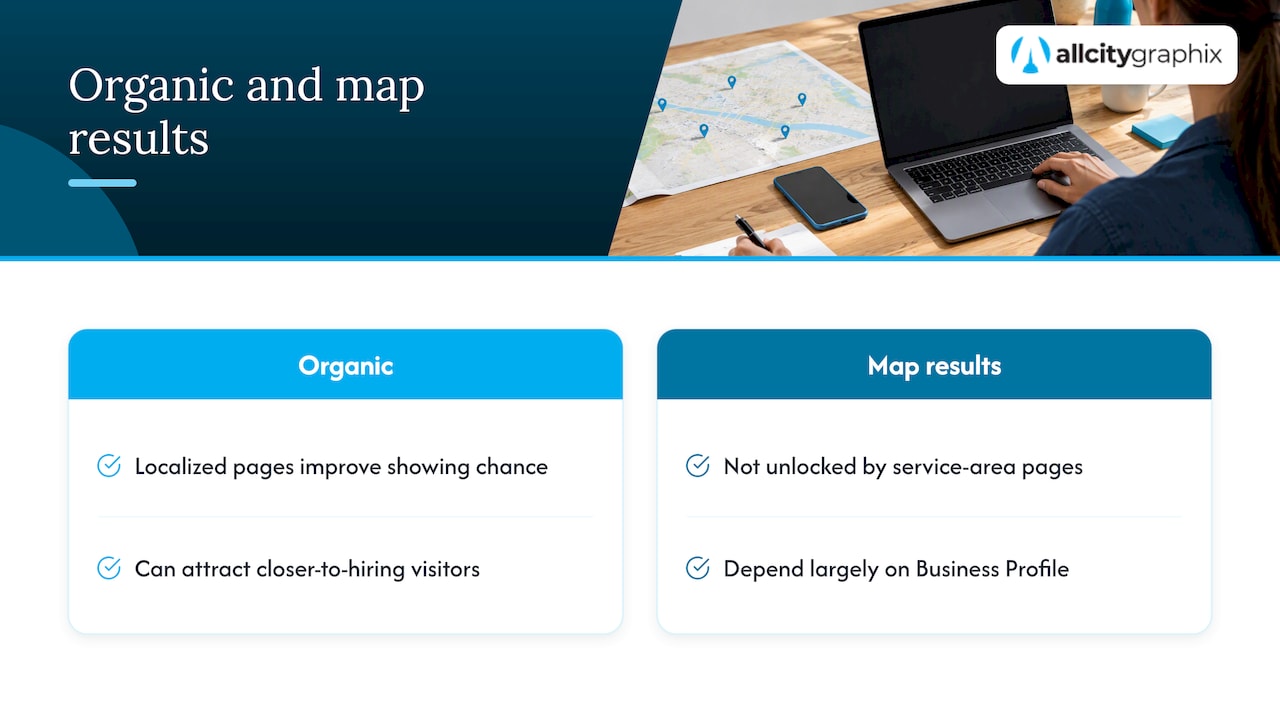
The same article notes that more-localized pages tend to attract people further down the conversion funnel. That matches common sense. Someone searching for a service in their own town is usually closer to hiring than someone reading a general explainer. Even at modest volume, those visits can be worth more than broad traffic.
Two caveats keep expectations honest. First, these pages help organic listings and are not a shortcut into the map results; those depend largely on your Business Profile. Second, search volume for any single city-plus-service phrase is often small. The value is in covering many specific, high-intent phrases accurately, not in chasing one large one.
How to decide which areas deserve a page
Start from where your customers are, not from a list of every town within driving distance. A page for an area you never actually serve misleads visitors and wastes effort. BrightLocal’s guide lists excessive service-area expansion among the common mistakes, alongside duplicate content and stuffing city names into copy.
Use this order of priority:
- Areas where you already have customers. You have real projects, testimonials and photos to show.
- Areas you want to grow in and can serve well. You can describe the local market honestly.
- Adjacent areas with real search demand. Check search data and your analytics before committing.
For a business in a dense market like New York City, “area” can mean a borough or a neighborhood rather than the whole city. A neighborhood-by-neighborhood approach is covered in our local SEO playbook for NYC. If your territory spans several states, start with your top three or four metros and add more only when each page has something real to say.
What every service area page should include
Search Engine Journal’s guidance on local duplicate content points to the same set of elements: unique local content, relevant services, business details and local schema, rather than one template repeated. Turn that into a checklist.
A clear match between service and place
The H1, title tag and opening paragraph should say what you do and where. Search Engine Land recommends targeting the pattern “[service] in [city]” and supporting it with related long-tail phrases. Write it the way a customer would say it. “Web design in Yonkers” reads naturally; “Yonkers web design Yonkers NY website designer Yonkers” does not.
Local problems and service differences
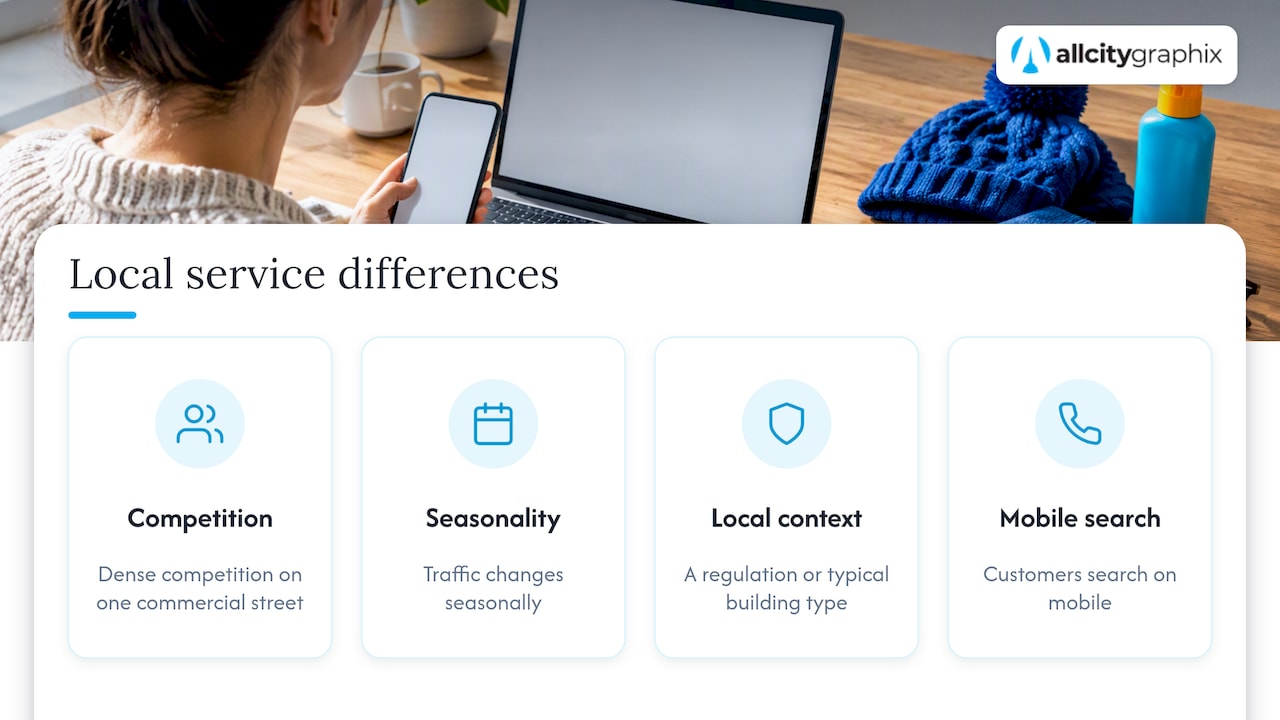
This is the part that separates a useful page from a doorway-style one. What does a customer in this area actually deal with? Maybe it is dense competition on a single commercial street, seasonal traffic, a regulation, a typical building type, or a customer base that searches on mobile. If you can name two or three real differences in how you serve this area, you have the core of a unique page.
Local proof
Use testimonials, case studies, project photos or short job stories from that area. The research guidance recommends reviews, testimonials or job stories alongside images. Real names and real outcomes, with permission, beat generic praise. If you have no local proof yet, you are probably not ready to publish that page.
Business details and a conversion path
Include your business name, phone number, hours and the way customers reach you. Add a specific call to action tied to the service: book a discovery call, request a quote, start a project. Do not bury it at the bottom.
Structured data
Local schema markup helps search engines read your business details. Use it to describe your business and the area you serve, and make sure it matches what is visible on the page and in your profile.
Internal links
Link each area page to the matching service page, to related area pages, and back from them. City pages should be reachable through your navigation and other pages, not orphaned. An “areas we serve” hub that lists each page works well, and so do contextual links from blog posts and service pages.
A worked example: one service, three areas
Take a web design studio that serves clients in Queens, Manhattan and Yonkers. A lazy approach produces three pages with the same 400 words and different place names. A useful approach looks like this:
| Element | Queens page | Manhattan page | Yonkers page |
|---|---|---|---|
| Opening angle | Independent shops and service firms reaching multilingual neighborhoods | Professional services and boutiques competing in a crowded market | Local service businesses serving Westchester customers |
| Local problem addressed | Sites that must work on phones and speak to diverse audiences | Standing out among many similar firms | Showing up for “near me” style searches across neighboring towns |
| Proof | Projects and testimonials from Queens clients | Projects and testimonials from Manhattan clients | Projects and testimonials from Yonkers clients |
| Next step | Queens-specific contact prompt | Manhattan-specific contact prompt | Yonkers-specific contact prompt |
The angles above are illustrations of how to differentiate, not claims about any market. Replace them with what you actually know from working there. If the only difference you can write is the city name, merge the pages or skip one.
Our own Queens, Manhattan and Yonkers web design pages are examples of the structure: one service, one place, each with its own page.
Thin, duplicate and doorway-style pages: how to stay clear
The biggest risk with city pages is volume without value. Search Engine Journal warns that publishing substantially identical pages for many cities can create duplicate-content and relevance problems, and recommends making each page clearly useful for its area instead of merely swapping city names. Google’s spam policies treat pages built mainly to funnel searchers from many regions into one destination as doorway pages, which is a reason to build pages for people first.
A quick test before you publish any page:
- Would a customer in that city learn something they could not learn from the page for another city?
- Does the page contain proof from that area, or at least a specific, truthful local detail?
- Would you be comfortable if a visitor landed on it from search and read it top to bottom?
- Is it linked from somewhere a person would actually click?
If any answer is no, improve the page or do not publish it. Ten strong pages outperform fifty hollow ones, and they are far easier to keep accurate.
Keep your pages consistent with your Google Business Profile
Your service area pages and your profile should tell the same story. Google’s help documentation says that a service-area business visits or delivers to customers directly rather than serving them at its business address, and that such a business can have one profile covering the whole area it serves. The guidance also tells these businesses to describe the geographic area they actually serve.
Google’s sign-up guidance adds specifics: service-area businesses must hide their physical address and set the service area by the cities or zip codes they travel to, and should create only one profile for the metropolitan area they serve, since creating multiple profiles for the same business in the same region can lead to suspension.
That has a direct consequence for page strategy. Do not create extra profiles to match each city page. Use one accurate profile and let your website carry the city-by-city detail. Our Google Business Profile checklist walks through the setup.
Technical and on-page details that matter
- URLs: short and readable, for example
/areas/yonkers/web-design/. Keep a consistent pattern. - Title tags and headings: include the service and the place once, naturally.
- Navigation: add a hub page and link to it from the main menu or footer so every area page is reachable.
- Images: use real photos from projects in the area, with descriptive file names and alt text.
- Speed and mobile layout: local searchers are often on phones, so a responsive build matters. See our guide to responsive web design.
- Local citations and links: consistent business details across directories and a few relevant local links reinforce the pages. Our post on fixing citations and pitching local links explains how.
Measuring whether the pages work
Track each page on its own rather than as one lump. In Google Search Console, filter by page and look at impressions, clicks and the queries that trigger each page. In your analytics, watch calls, form submissions and quote requests by landing page. Give it a few months before judging, since new pages take time to be crawled and evaluated.
Then decide per page:
- Getting impressions but few clicks: rework the title and meta description to match what searchers in that city want.
- Getting clicks but no enquiries: the content or call to action is not convincing. Add local proof, clarify pricing process, and make the next step obvious.
- Getting nothing: check indexing and internal links first, then whether the area has real demand.
For wider context on the fundamentals behind these pages, see our SEO for small businesses guide.
Perspective: why we build area pages around the customer, not the keyword
We have worked with small businesses and established companies for over 15 years, and the pattern is consistent: the pages that earn leads start from a discovery conversation, not a spreadsheet of city names.
Before we plan any service area page, we ask what the business really does in each market, who its best customers are there, and what proof exists. That is how the strategic side and the creative side meet. The strategy decides which areas deserve a page. The design and writing make each page feel like it was made for the people reading it.
We also believe a page should keep working after launch. Areas change, services change, and new projects give you fresh proof to add. That is why we pair builds with ongoing support, and why you work directly with experienced leadership rather than a handoff chain.
Our advice: fewer pages, each one honest, specific and easy to act on.
Alex
Let us build your service area pages
If you would rather not map out areas, write each page and wire up navigation and schema yourself, that is work we do. Our team handles discovery, strategy, design, WordPress and Shopify development, SEO and ongoing maintenance, so your area pages look like your brand and stay current.
See everything we offer on our services page, or start a conversation through All City Graphix.

FAQ
What is the difference between a service area page and a location page?
A location page represents a place where you have a physical presence, with an address, hours and directions. A service area page pairs a service with a city or region you serve but may not have an office in. Many businesses need both, each for its own purpose.
How many service area pages should I create?
Create as many as you can make genuinely useful, and no more. Start with the areas where you already have customers and proof, then add others one at a time. BrightLocal lists excessive service-area expansion as a common mistake, so quality and accuracy should limit the number, not the map.
Are service area pages doorway pages?
They can become that if they are near-identical pages that only swap city names. Pages that give each area unique, helpful content, such as local problems, proof and clear contact details, are built for visitors. Search Engine Journal advises making each page clearly useful for its area.
Do I need a separate Google Business Profile for each city?
Not if you are a service-area business. Google’s guidance says such a business can have one profile for the whole area it serves, and that creating multiple profiles for the same business in the same region can lead to suspension. Use your website’s area pages to carry the city-level detail.
Should service area pages be linked in my navigation?
Yes. Make them reachable from a hub page and from related service pages or posts, so visitors and search engines can find them. Pages that nothing links to are unlikely to perform.
Sources
- Localized SERPs: Winning traffic and leads with service area pages, Search Engine Land
- 6 Types Of Duplicate Content In Local SEO, Search Engine Journal
- How to Do Service Area Page SEO for Local Search Visibility, BrightLocal
- Manage your service areas for service-area and hybrid businesses, Google Business Profile Help
- Sign up for Business Profile, Google Business Profile Help